AI 电商工作流

一键换背景

自动完成发丝级抠图与边缘光照融合,按文字描述或参考图生成全新背景,并计算商品与背景之间的接触阴影、环境反光与景深关系。

返回
01上传图片上传商品图,并选择用文字还是参考图换背景
商品图必选,保留商品主体0/1
添加商品图片上传清晰、完整的商品图
换背景方式
02背景设置描述目标背景并设置输出比例和分辨率
输出比例
输出分辨率
03输出设置选择模型并确认消耗

消耗 1 积分

换背景效果示例
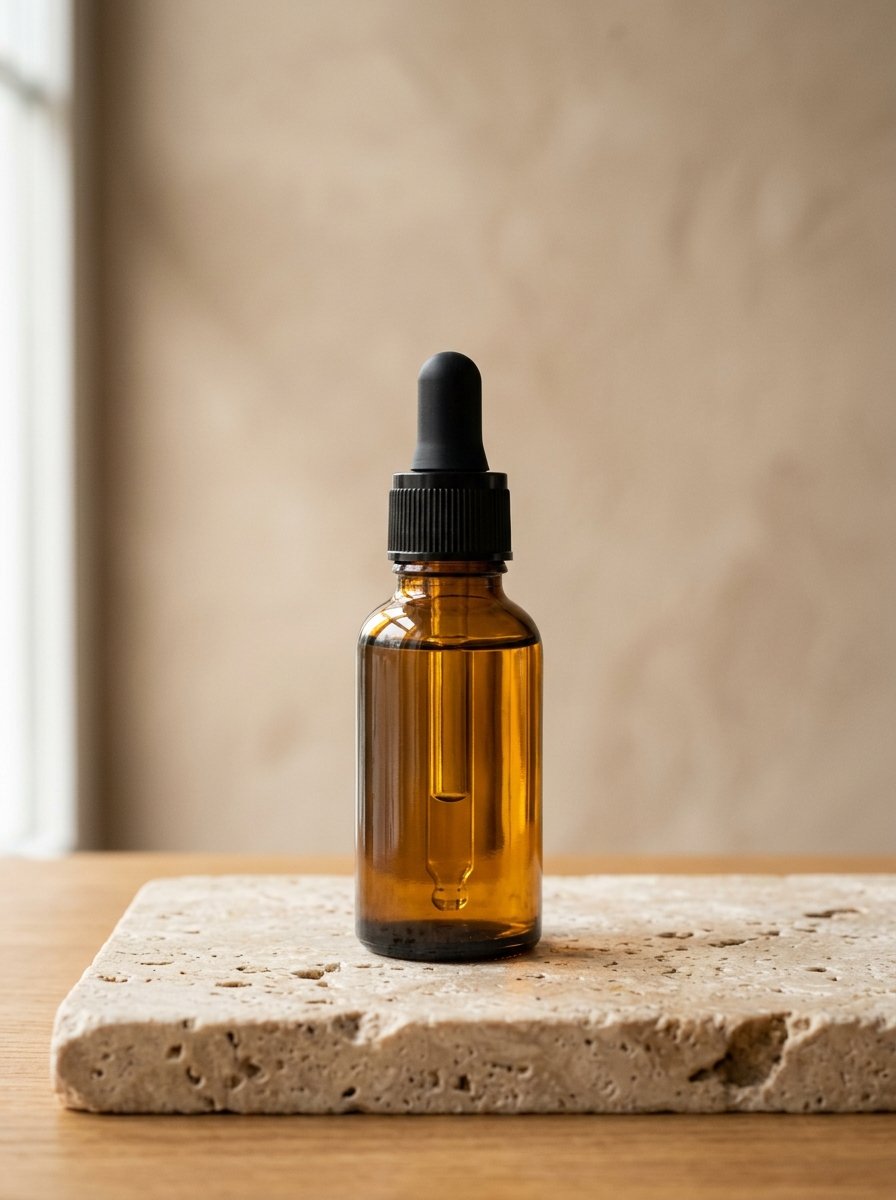
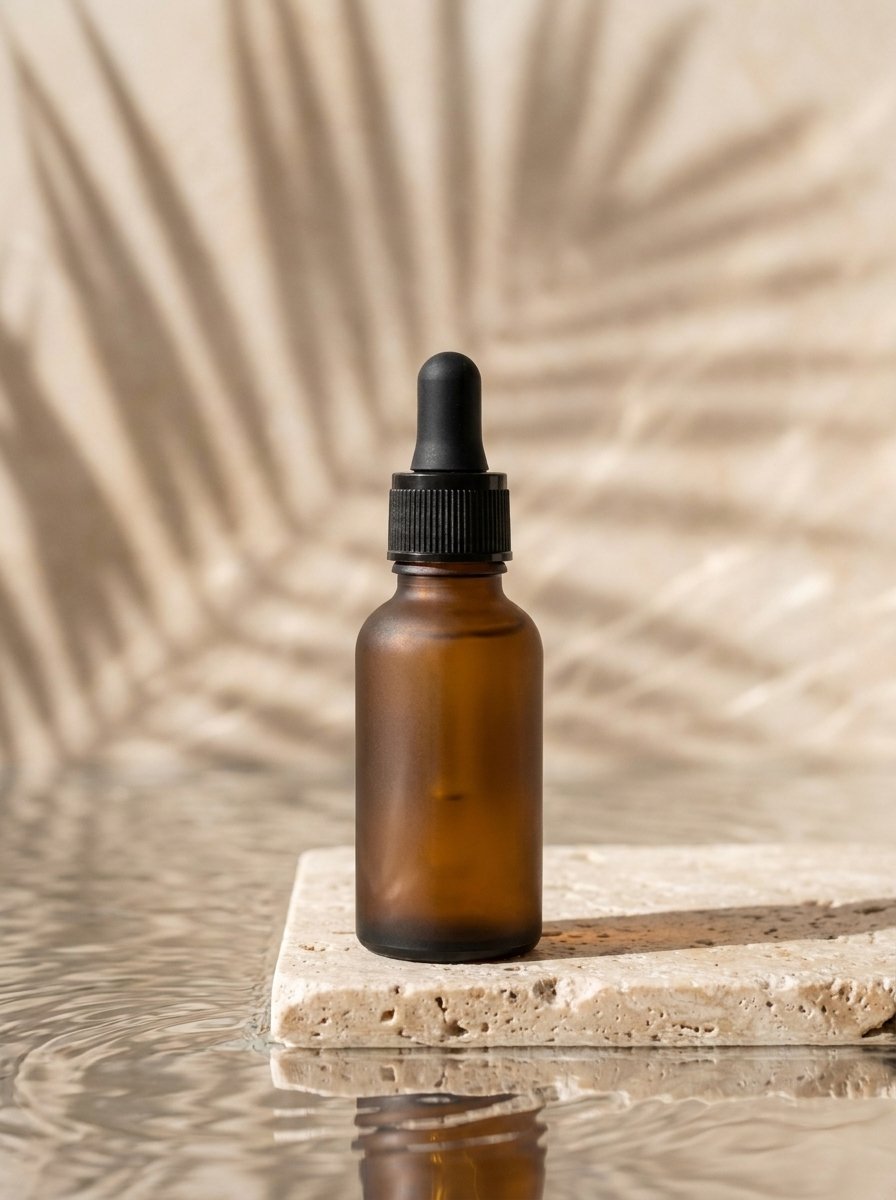
商品原图商品原图
换背景效果换背景效果

护肤品氛围背景

使用模型:Banana Pro 增强
查看提示词
Replace the background behind the product with a spa still-life setting: a pale travertine slab with rippling water beside it, soft palm-leaf shadows falling across a warm mineral wall, high-key natural daylight from the upper left, shallow depth of field, muted beige and bone palette. Place the frosted glass dropper bottle standing upright on the travertine with a natural contact shadow and a faint reflection in the water. Keep everything else exactly as in the source image: the framing, the crop, the camera angle, the lighting direction, the shadows and reflections, the material texture, and the shape and proportions of the product. Do not add, remove or move any part of the product. Photorealistic commercial product photography, no added text or watermark.
生成结果生成后的图片会显示在这里
等待生成填写左侧设置后点击生成按钮

最近换背景

完成第一次生成后,结果会显示在这里。